
Free Image to Perler Bead Pattern Generator
Upload any photo and instantly convert it into a perler bead pattern maker template. The best free fuse bead template generator — choose your brand, and get a printable pattern in seconds.
Artkal
Perler
Hama
MARD
·
1,326 colors
·
100% Free
Upload Image
Drag & drop an image here, or click to browse
PNG / JPG / WEBP supported
Bead Brand
How It Works
1
Upload
Drag or select any image — AI removes the background automatically
2
Choose Brand
Pick from Artkal, Perler, Hama, or MARD bead palettes
3
Generate
Get a bead grid, code chart, and full BOM instantly
Result
Upload an image and click Generate
100%
Real results, real makers
See what 12,000+ makers create with Pixel Pattern
Before
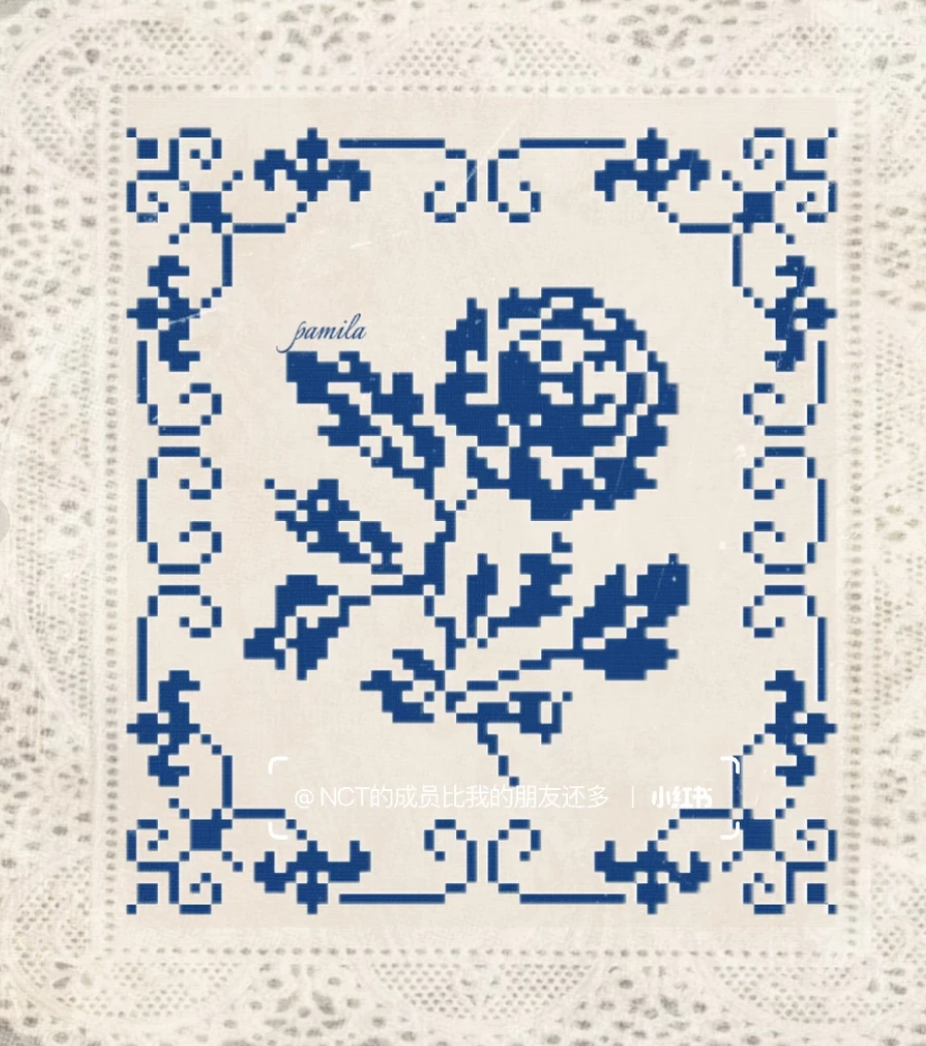
After
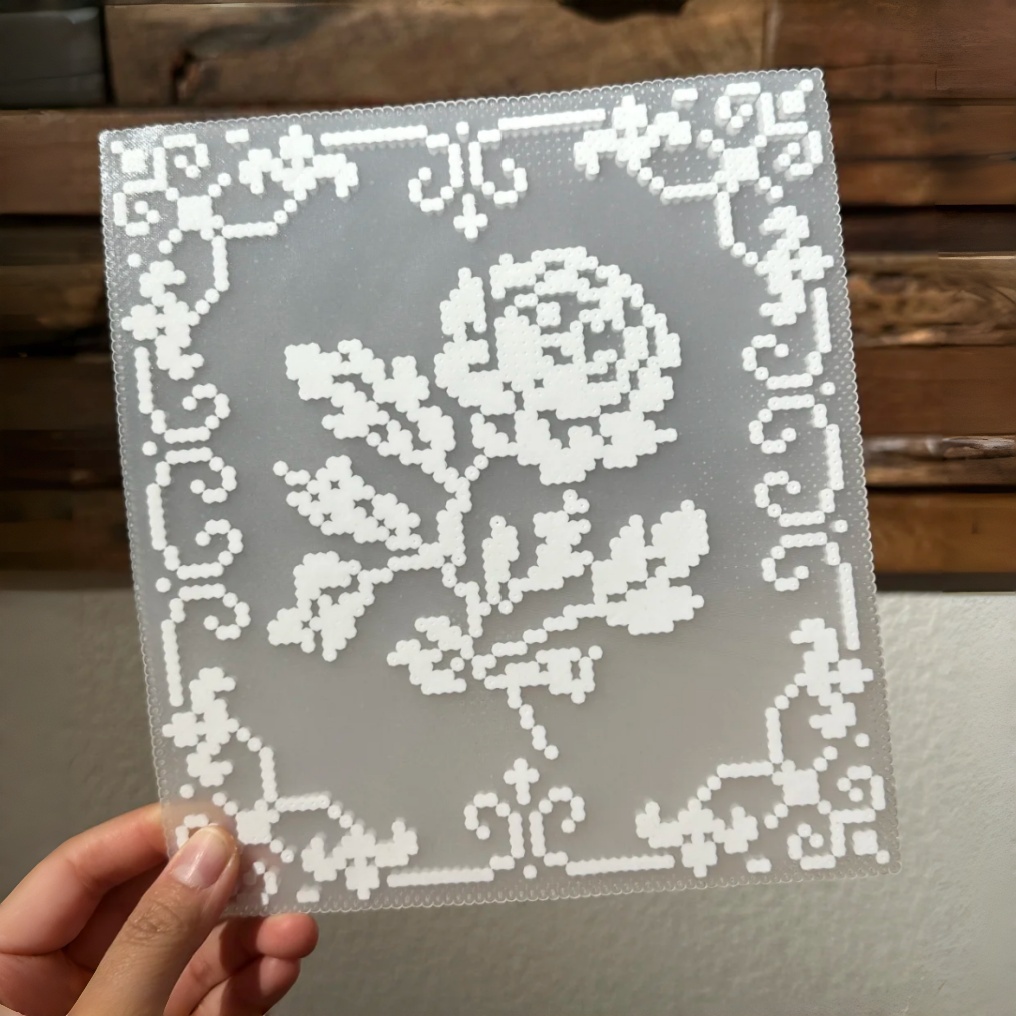
White Lace Perler Bead Trivet
Before

After
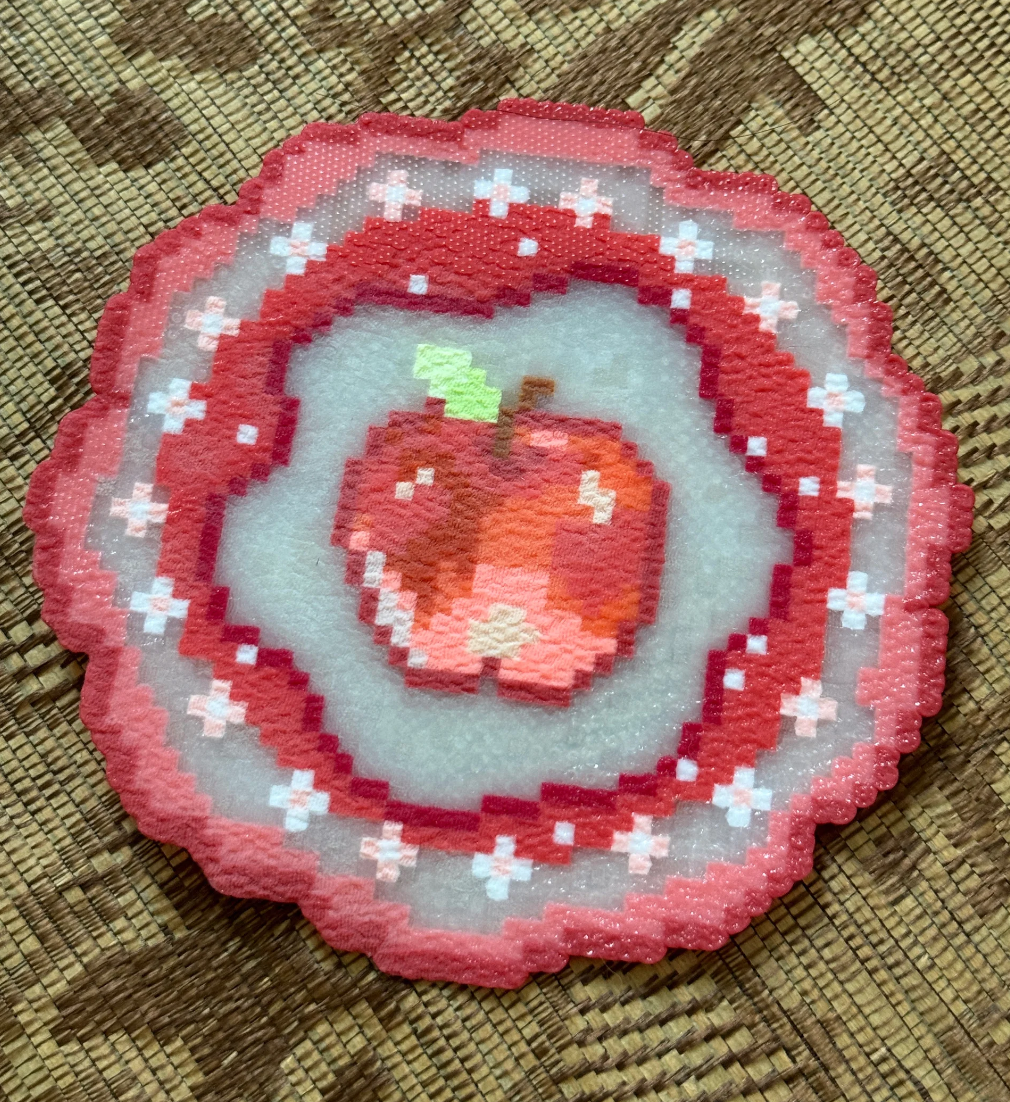
Apple Perler Bead Coasters
Before
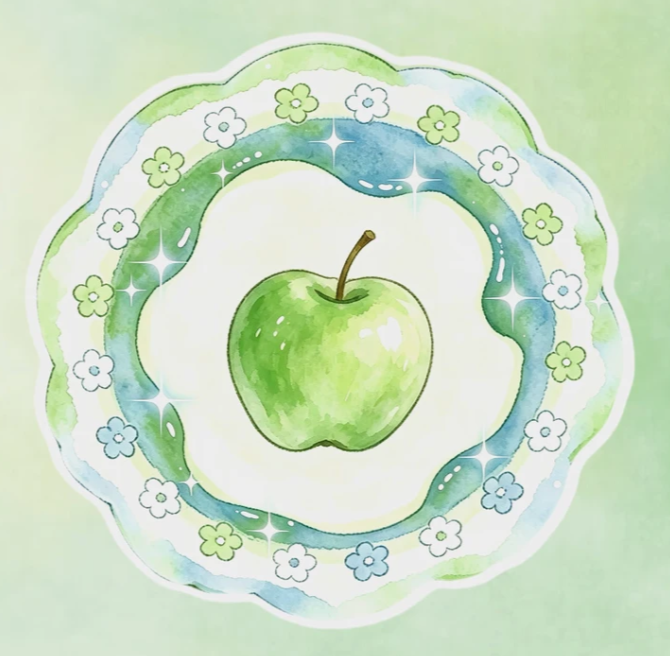
After
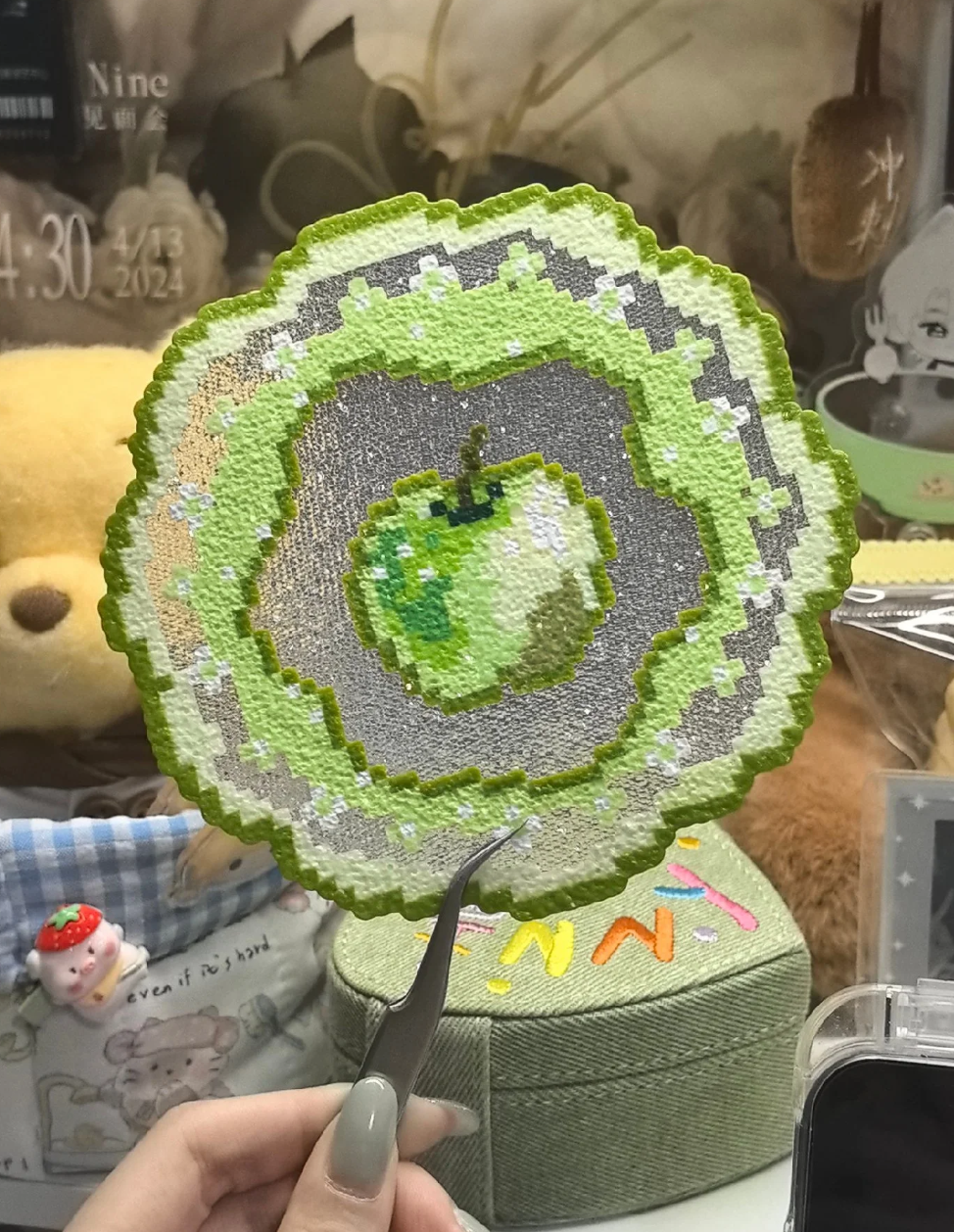
Apple Perler Bead Coasters
Frequently Asked Questions
What image formats are supported?
You can upload PNG, JPG, and WEBP images. Our pixel art to bead pattern converter handles photos, illustrations, and screenshots — any image works. For best results, use images with a clear subject.
Which bead brands can I use?
We support 4 major fuse bead brands: Artkal (S, R, C, and M series), Perler (103 colors), MARD (291 colors), and Hama (92 colors). That's 1,326 colors total — the most comprehensive hama bead pattern creator available online.
Is this perler bead pattern maker free?
Yes! This tool is 100% free with no account required, no watermarks, and no limits on usage. Upload as many images as you like and generate unlimited bead patterns.
How does the color matching work?
We use AI-powered perceptual color matching in Lab color space to find the closest bead colors for every pixel in your image. The result is more accurate than simple RGB matching — colors look natural and true to your original image.
Can I adjust the pattern after generating?
Absolutely. After the initial generation, you can customize the height (number of bead rows) and the maximum number of colors, then regenerate instantly. The AI recommends the best settings, but you have full control.
Can I switch bead brands after generating?
Yes! Simply select a different brand (Artkal, Perler, Hama, or MARD) from the brand tabs and hit Generate again. The pattern will be re-created using the new brand's color palette — no need to re-upload your image.
What happens if I limit the height or number of colors?
You can set a maximum height to fit your pegboard, or cap the number of colors to simplify your build and reduce the bead types you need to buy. Keep in mind that fewer colors or a smaller grid may reduce detail and clarity in the final pattern — the AI does its best to preserve the most important features within your constraints.
What can I export from this fuse bead template generator?
You can export three outputs as PNG: the Bead Grid (visual pattern), the Code Chart (bead color codes for easy assembly), and the BOM (Bill of Materials) listing every color and quantity needed.